
eBudget Control
Budgeting Management for Maximo
Building on The Foundation of New Technology
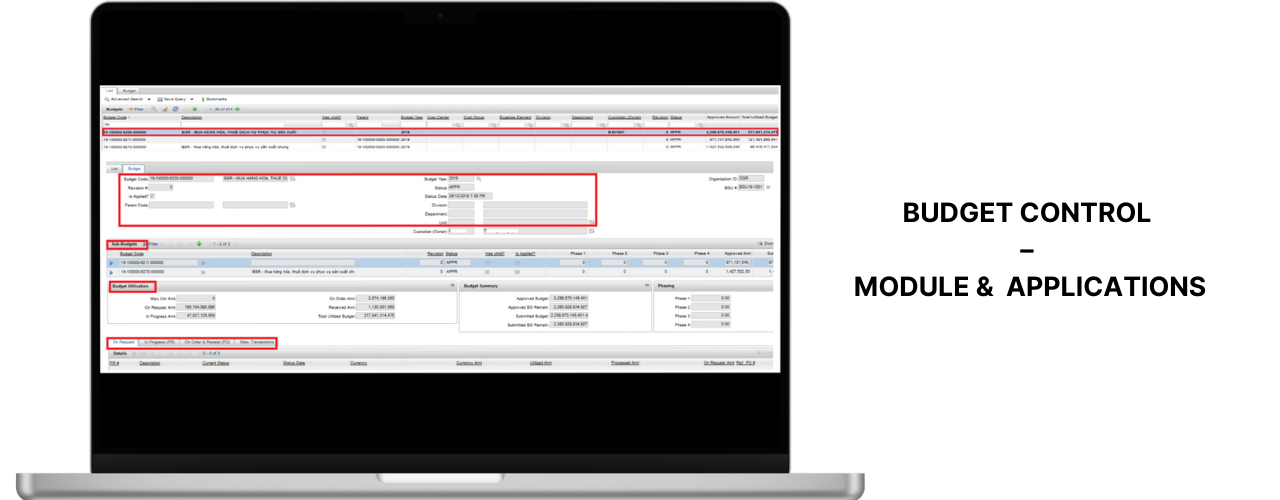
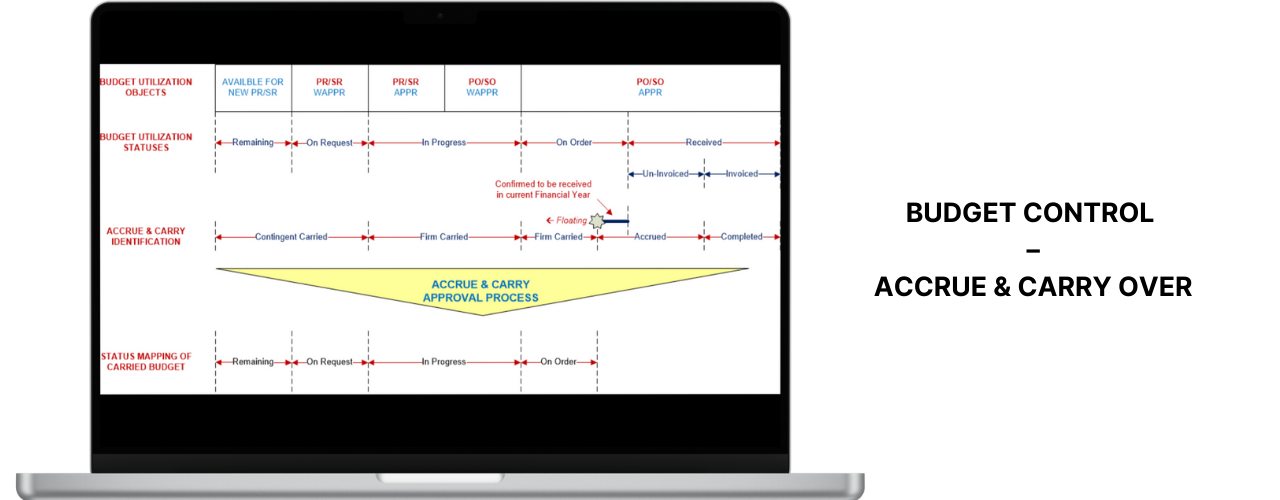
Budget control solution
- Provide Budget Control Insight.
- Access up-to-date Utilization Status.
Mobility take center stage
- Improve Management Visibilities.

eBudget Control Overview
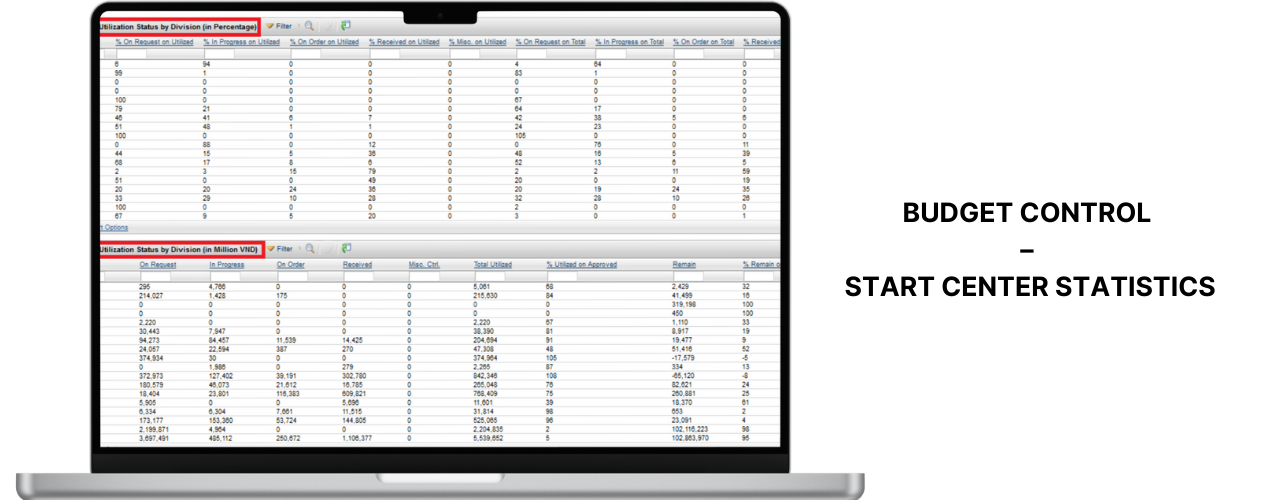
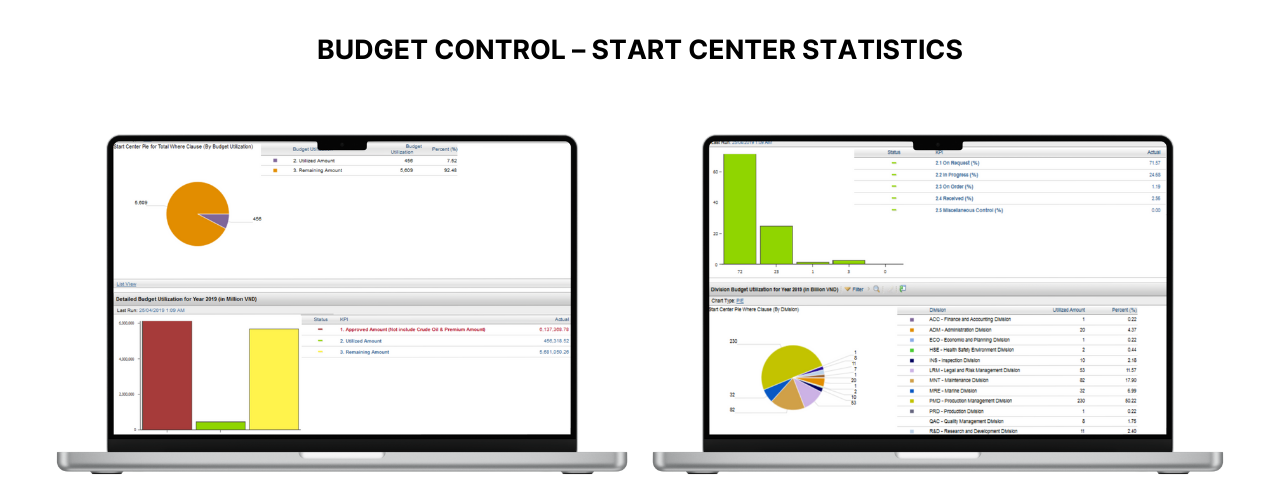
Provide Budget Control Insights
- Gather various types of budget data and display enriched KPI / Chart.
- Customizable KPI / Chart.
Provide Indicators for Immediate Actions via Notifications
- Real-time notifications for unusual cases.
Mobility / Ease of Access
- To be able to access up-to-date KPI / Charts about Budget Control anytime, anywhere with Mobile devices.
Cross Platform Support
- Available for the end users to download and install it manually.
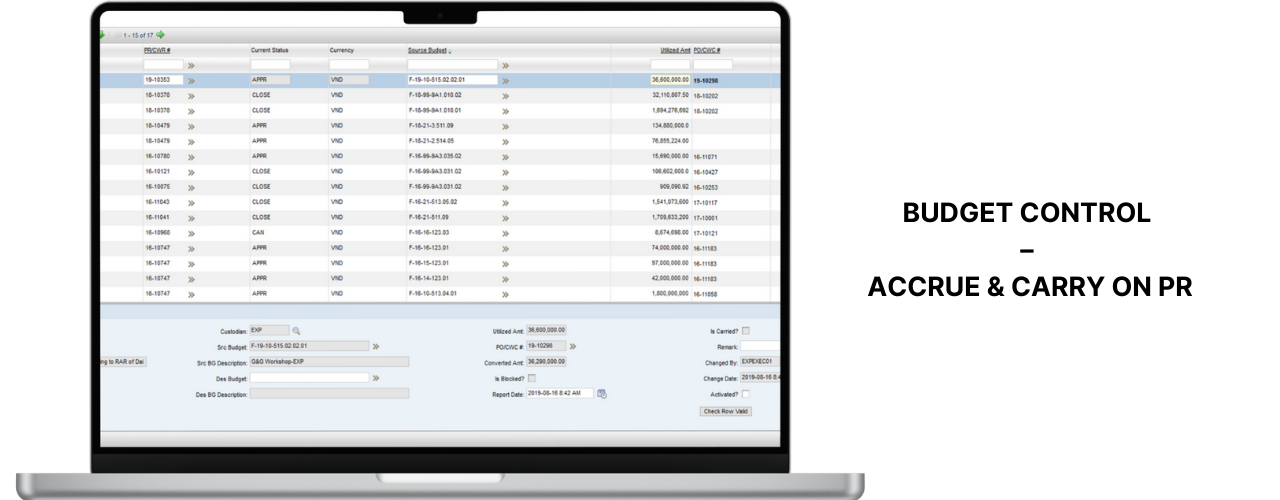
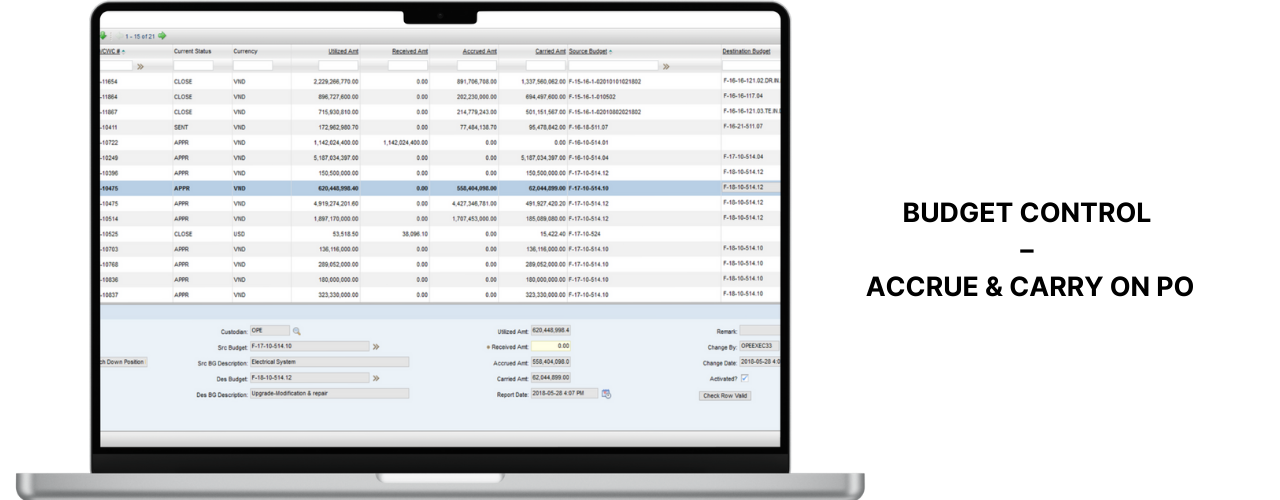
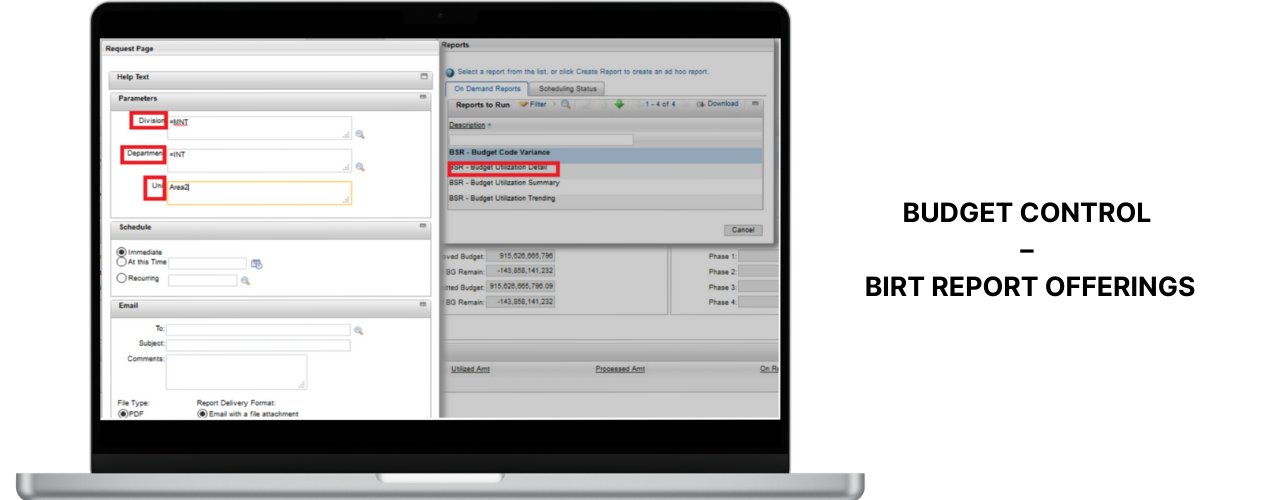
Budget Control Mobile
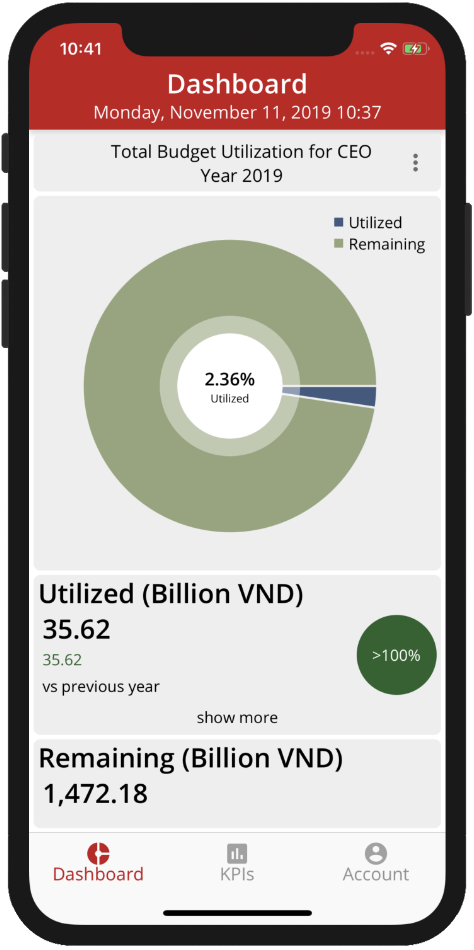
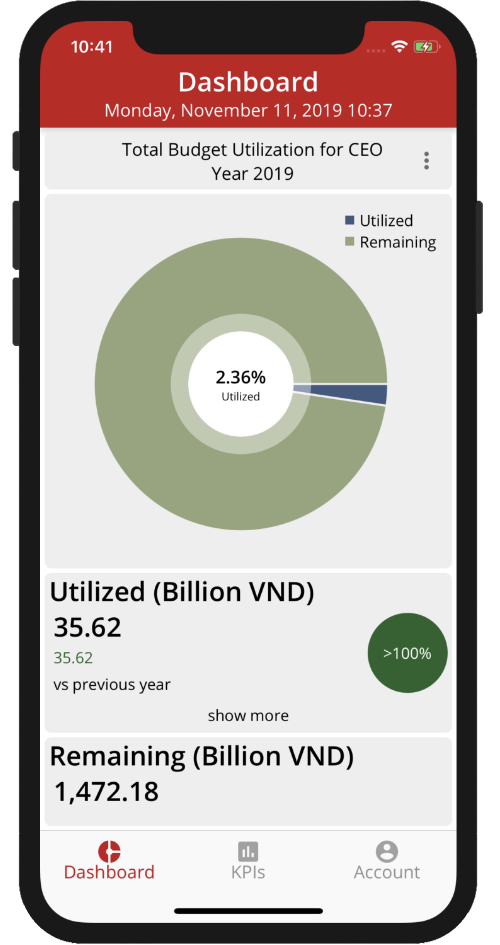
Budget Utilization Status Management View (CEO)
- Indicates overview of Budget utilization status.
- Comparison in Monthly / Quarterly.
- Ability to drill-down for more detailed KPIs and Charts.
- Ability to send email to responsible persons.
- Ability to filter important data.
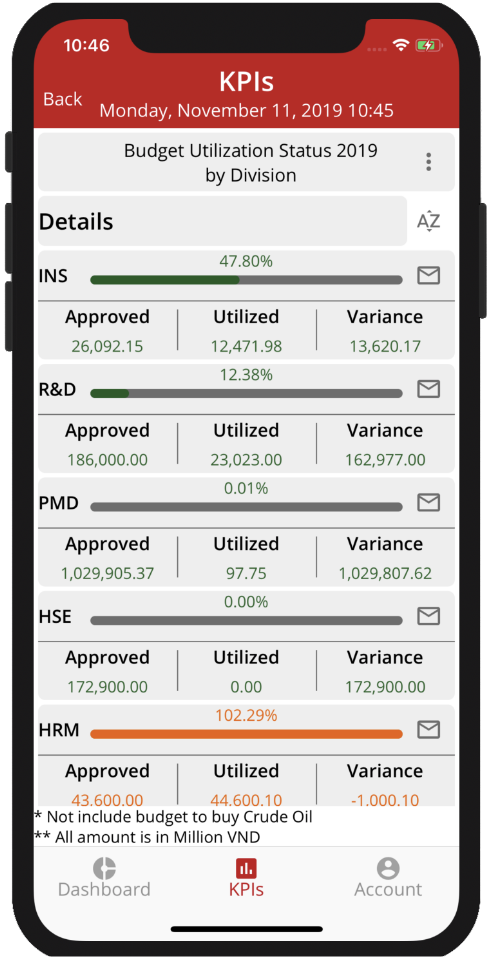
Budget Utilization – View by Division
- Budget utilization in Division.
- Ability to sort the percentages of Budget Used.
- Ability to customize variance factor (depending on business needs).
- Colorful indicates for more directive navigation.
Budget Utilization – View by Category
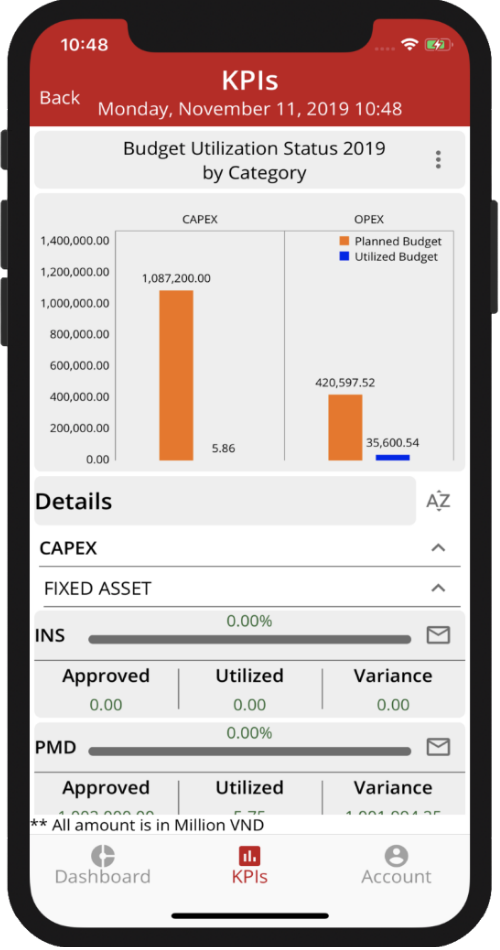
1. Distinguishing Budgets between Categories:
- Operation
- Fixed Asset
- Scientific Research
2. Colorful indicators for more directive navigation
Budget Control Mobile Benefits
Whats New
- Real-time data, ability to respond immediately
- New eBudget API Server, increased ability to handle process independently
- New eBudget Admin Module
- New Mobile App for Android & iOS
- Use Maximo’s Username and have its own license management mechanism
Management Benefits
- Better in high level budget controlling & monitoring expenses
- Easier to understand operational expenses
- Optimized operational process
- Emerges communication between different levels of management
Whats New
Operational view:
- Better in controlling department budget
- Reduce work overhead in procurement process
- Optimized procurement processes
- Emerges communication between different levels of management
Send Email
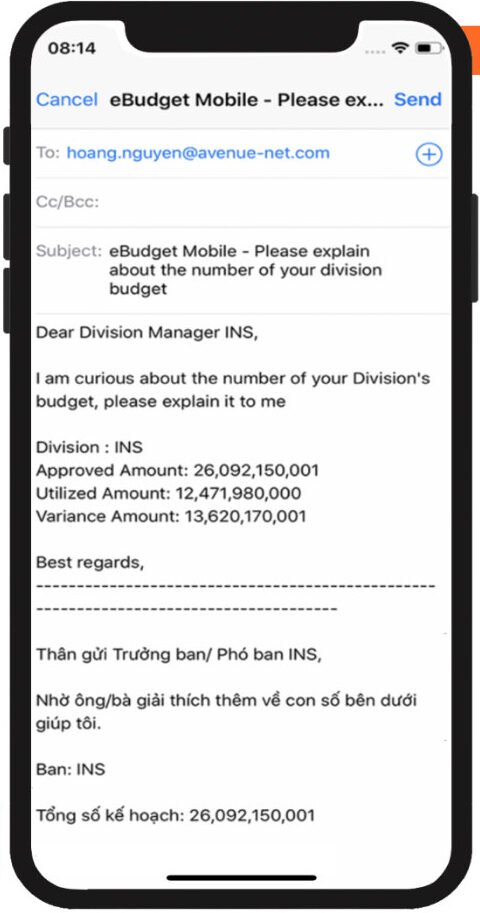
- Email Sending
- Ability to send email to responsible persons
- Easy to action
- Easy to attach from library
Real-time Notification
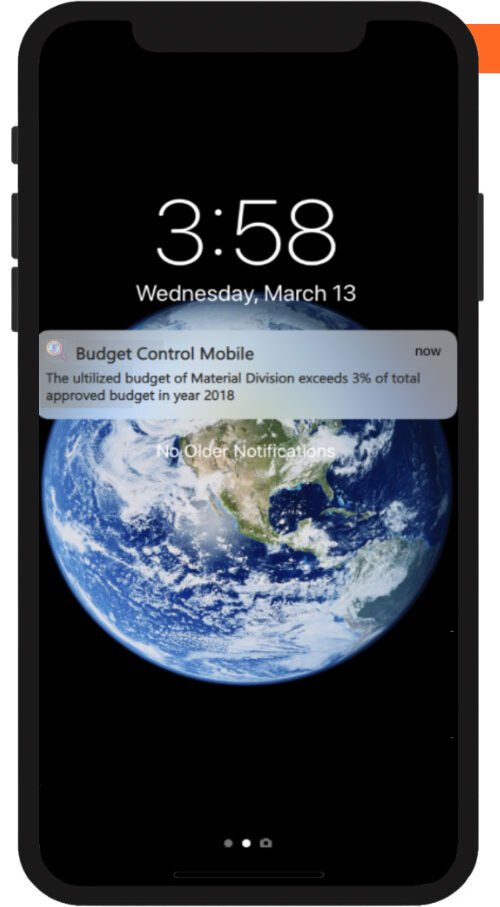
- Management view
- Real-time notification pushed for immediate follow-up
- Directly notification messages
- Directly navigating to application
Operational View
- Operational view
- Real-time notification pushed for immediate follow-up
- Directive notification messages
- Directly navigating to application
Manager View
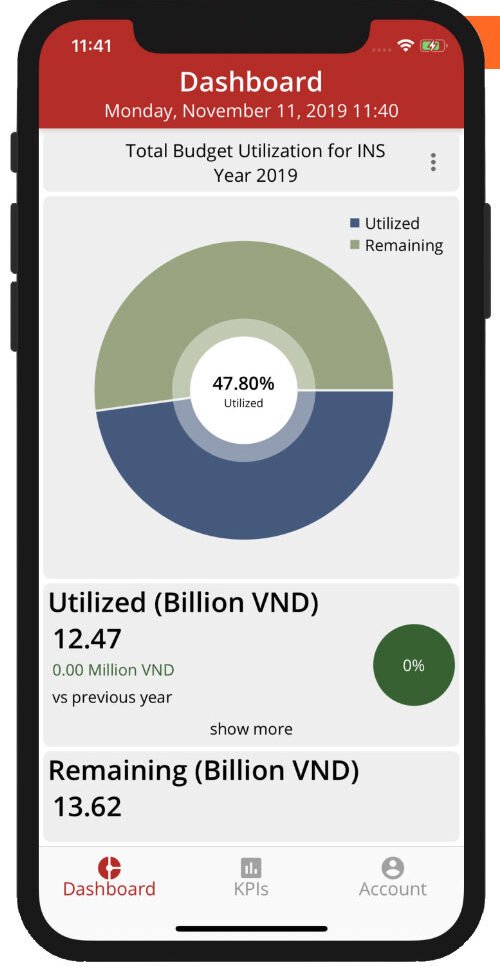
- Division Manager view
- Provide overall Budget Utilization Status for specific
- Division (depends on User)
- Easier for Division Manager to have immediate action
Contact us
Contact us for eBudget consultation